Play now

Hypercasual game

Hand Over Hand

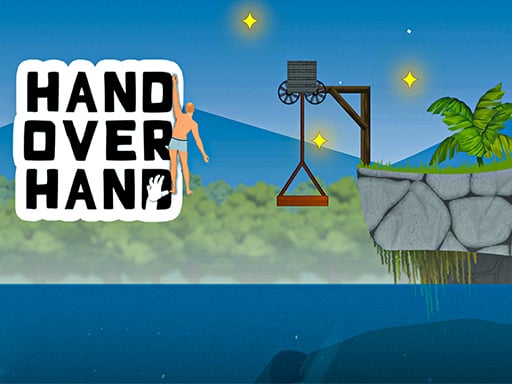
Embark on an exhilarating climbing adventure in Hand Over Hand, the ultimate physics-based simulator game! Test your skills as you navigate through challenging levels filled with dynamic obstacles, strategic climbing mechanics,...

More Hypercasual
HypercasualHand Over Hand

Choose Play now to load the game.

Open source

Official listing

Game description

Embark on an exhilarating climbing adventure in Hand Over Hand, the ultimate physics-based simulator game! Test your skills as you navigate through challenging levels filled with dynamic obstacles, strategic climbing mechanics, and thrilling ragdoll action. Race to the summit and grab the red flag, but beware of slippery surfaces and tricky terrain that will test your agility and determination. Enjoy dynamic climbing challenges, strategic ragdoll mechanics, and thrilling physics-based action. Collect stars to unlock customization options and enhance your gameplay experience.

From the game listing

Instructions and controls

How to Play Left Click and Drag Click and drag to make the character climb Release the click to make the character hold onto the object Swinging Drag left and right to swing the character and reach higher positions Cancel Move Use the ca

Watch before you play

How to play Hand Over Hand

See the official game walkthrough for the objective, controls and useful gameplay ideas.

Video guide

About Hand Over Hand

Embark on an exhilarating climbing adventure in Hand Over Hand, the ultimate physics-based simulator game! Test your skills as you navigate through challenging levels filled with dynamic obstacles, strategic climbing mechanics,...

Hand Over Hand is listed in the Hypercasual games collection. The listing also includes the 1 Player, 2D, amazing, and Balance tags, which help connect it with nearby game pages.

How to play Hand Over Hand

How to Play Left Click and Drag Click and drag to make the character climb Release the click to make the character hold onto the object Swinging Drag left and right to swing the character and reach higher positions Cancel Move Use the ca

Controls and device support

The listing currently identifies Browser support, see in-game controls controls and a 1920 x 1080 game frame. These details come from the supplied game information and may change when the source listing is updated.

  • Controls: See in-game controls
  • Device support: Browser
  • Game frame: 1920 x 1080

Something not right?

Tell us if the game does not load, the information is wrong or the content needs review.

Report a problem