 1 Block Puzzles
Puzzles
1 Block Puzzles
Puzzles
Play by tag
Free Mobile Games to Play Online
The Mobile game collection brings together thousands of browser-based titles designed around simple, responsive interactions. Spanning roughly 5,900 titles, this tag predominantly highlights games built using modern web standards such as HTML5. While traditional PC titles often rely on extensive keyboard bindings, games in this tag prioritize direct screen interactions, intuitive gestures, and streamlined menus suitable for quick play sessions.
5884playable games
1 Block Puzzles
Puzzles
 100
Puzzles
100
Puzzles
 1010 Animals Tetriz
Puzzles
1010 Animals Tetriz
Puzzles
 1010 Christmas
Puzzles
1010 Christmas
Puzzles
 1010 Diamonds Rush
Puzzles
1010 Diamonds Rush
Puzzles
 1010 Easter Tetriz
Puzzles
1010 Easter Tetriz
Puzzles
 1010 Fish Blocks
Puzzles
1010 Fish Blocks
Puzzles
 1010 Golden Trophies
Puzzles
1010 Golden Trophies
Puzzles
 1010 Halloween
Puzzles
1010 Halloween
Puzzles
 1010 Jungle Blocks
Puzzles
1010 Jungle Blocks
Puzzles
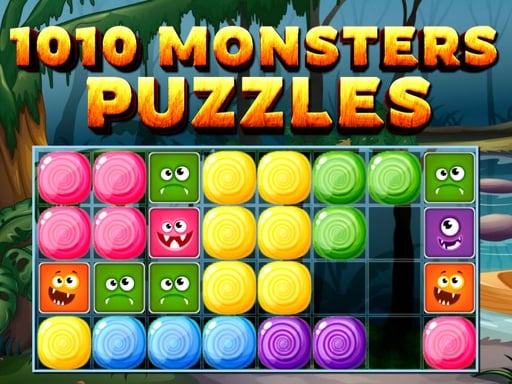 1010 Monster Puzzles
Puzzles
1010 Monster Puzzles
Puzzles
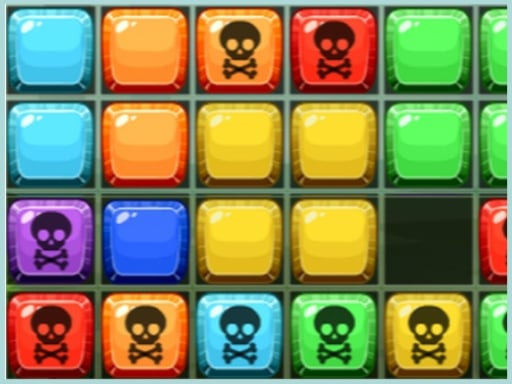 1010 No Danger
Puzzles
1010 No Danger
Puzzles
 1010 Treasure Rush
Puzzles
1010 Treasure Rush
Puzzles
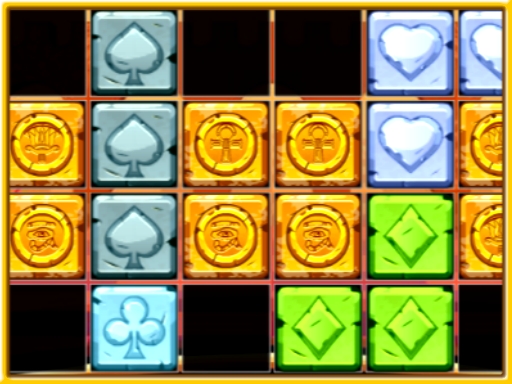 1010 Treasures
Puzzles
1010 Treasures
Puzzles
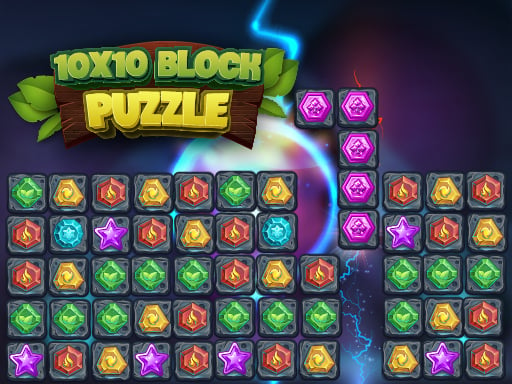 10x10 Block Puzzle
Puzzles
10x10 Block Puzzle
Puzzles
 10x10 Blocks Match
Puzzles
10x10 Blocks Match
Puzzles
 10x10 Puzzle
Puzzles
10x10 Puzzle
Puzzles
 11 in 1 Arcade Games
Arcade
11 in 1 Arcade Games
Arcade
 17th Shape
Puzzles
17th Shape
Puzzles
 2 Cars Online
Racing
2 Cars Online
Racing
 2 Cars Run
Puzzles
2 Cars Run
Puzzles
 2 Colors Box
Puzzles
2 Colors Box
Puzzles
 2 Dots Challenge
Puzzles
2 Dots Challenge
Puzzles
 2020 Arch KRGT-1 Slide
Puzzles
2020 Arch KRGT-1 Slide
Puzzles
Tag guide
Play Touch-Friendly Browser Games Anywhere
The Mobile game collection brings together thousands of browser-based titles designed around simple, responsive interactions. Spanning roughly 5,900 titles, this tag predominantly highlights games built using modern web standards such as HTML5. While traditional PC titles often rely on extensive keyboard bindings, games in this tag prioritize direct screen interactions, intuitive gestures, and streamlined menus suitable for quick play sessions.
Although marked with the Mobile tag, these titles are accessible through standard web browsers across a range of devices. Whether you are using a smartphone screen, a tablet, or a desktop computer with a trackpad or mouse, the catalog offers an immediate way to dive into puzzles, arcade trials, vehicle runs, and defense scenarios without requiring dedicated app installations.
What You Will Find in the Mobile Tag
The Mobile tag represents one of the largest and most varied directories in the catalog. Rather than representing a single thematic genre, the tag gathers software designed for accessible inputs and lightweight performance. Puzzles form the largest portion of this collection with nearly three thousand distinct listings, followed by hundreds of arcade, casual, and specialty releases.
Because the tag reflects platform ergonomics rather than a uniform narrative style, you will see everything from hexagonal tile-matching boards to tactical defense simulations and lighthearted animal management simulations sitting side by side.
- Over 2,900 puzzle challenges featuring matching, tile-sliding, and spatial sorting
- More than 600 arcade and hypercasual games emphasizing quick reflexes and high scores
- Extensive overlap with HTML5, casual, 2D, and kid-friendly catalog tags
- Action, racing, and shooting releases tailored with simplified on-screen interfaces
Subgenres and Play Styles Across the Catalog
A closer look at the catalog distribution reveals several dominant gameplay patterns. Logic puzzles make up roughly half of the entire library. Titles such as Hex-2048 demonstrate this style by adapting classic merge mechanics into a hexagonal grid, requiring players to combine matching numbers strategically while navigating tight board layouts.
Fast-paced action and shooting titles also feature prominently, often retooling complex combat systems into single-gesture controls. In NOVAGUARD: Sky Defense, players tap directly on sky sectors to detonate anti-air batteries against falling meteors and alien craft without needing virtual analog sticks. Similarly, Pop the Balloons Game uses touch-and-hold aiming to adjust cannon power, showing how timing and precision work within a streamlined control format.
Other popular subgenres include hypercasual physics duelers like Move Ragdoll Duel, where directional dragging and weapon teleportation replace elaborate combos, and casual simulations such as Panda Supermarket Manager, which focus on point-and-click retail tasks.
How Controls Adapt Between Mobile and Desktop
A key characteristic of catalog games labeled Mobile is dual-input compatibility. Developers often provide on-screen interface elements for touchscreens alongside keyboard or mouse listeners for desktop browsers. Checking each game's instruction block before starting clarifies how inputs map to your hardware.
In Speed Demons Race, for example, handheld users drive monster trucks by tapping on-screen gas and reverse pedals, while desktop players use left and right arrow keys paired with the spacebar for turbo acceleration. In deeper action RPGs like War Lands 2, desktop users navigate with WASD keys and mouse clicks, while the underlying mobile architecture keeps the interface readable on smaller viewports.
- Tap and click equivalence: Tap targets on touchscreens generally correspond to left mouse clicks on desktop.
- Drag gestures: Swipe-to-aim and drag mechanics translate naturally to click-and-drag mouse actions.
- Virtual HUD buttons: Driving and platforming games frequently display transparent buttons on the screen edges for throttle, braking, and special abilities.
- Single-finger actions: Many hypercasual selections require only one contact point for complete gameplay loops.
How to Choose the Right Mobile Game to Play
With thousands of options available, selecting a game comes down to your session time and physical interface. If you are sitting at a workstation with a mouse or trackpad, detailed role-playing adventures or precision puzzle grids like Hex-2048 provide a relaxed, deliberate pace where you can plan multiple moves ahead.
If you are playing during a brief commute or short break using a handheld screen, look for titles marked hypercasual or arcade. Games built around rapid single-tap interactions, such as Virtual Piano or Pop the Balloons Game, let you jump immediately into the activity without navigating dense attribute trees or multi-stage tutorials.
Tips for Smooth Browser Gameplay
Because these games execute directly inside your browser window, small adjustments can make a notable difference in touch accuracy and responsiveness. Reading the listed instructions ensures you do not miss hidden touch combinations or special control toggles built into the HUD.
Screen orientation matters for many mobile titles. While puzzle boards often thrive in portrait orientation, fast vehicle racers and side-scrolling shooters typically offer better visibility in landscape mode. Ensuring your device does not accidentally trigger system-level back swipes during intense play sessions can also preserve your progress.
- Inspect the game instructions first to verify whether orientation locking is recommended.
- Use landscape view for side-scrolling racers, arena fighters, and wide-field defense games.
- Close background browser tabs if you notice input lag during physics-heavy or 3D ragdoll games.
- Test touch calibration on virtual buttons before launching into competitive rounds.
mobile games online FAQ
Does playing a mobile tag game require an app store download?
No. Titles listed under the Mobile tag run directly through your supported web browser using standard web technologies like HTML5. You do not need to install native packages from an app store to load and play them.
Can I play these mobile games on a desktop computer?
Yes. Most games in this section support standard desktop peripherals. Where a mobile user taps or drags on a screen, desktop players can generally click, drag with a mouse, or use designated keyboard arrow keys as outlined in each title's instructions.
Why are there so many puzzle games under the Mobile tag?
Puzzle mechanics, such as sliding blocks, hexagonal merge boards, and tile matching, naturally fit touchscreen interfaces. They require precise taps rather than complex multi-key inputs, making them extremely popular among mobile web developers.
What should I do if a game does not respond to my touchscreen taps?
Check the game's description and instructions to ensure your screen orientation matches what the game expects. In some cases, rotating your device between portrait and landscape mode or tapping within the active game canvas will activate touch listeners.