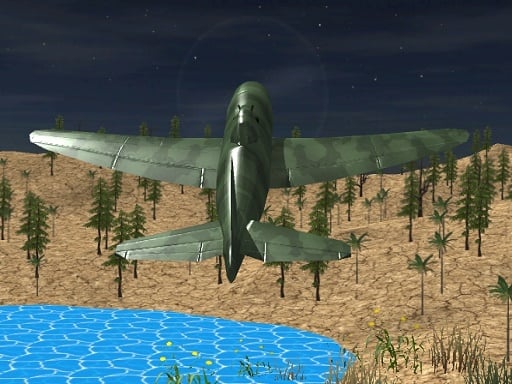
 Advanced Air Combat Simulator
Shooting
Advanced Air Combat Simulator
Shooting
Play by tag
Free Unity Games Online
The unity games collection gathers titles engineered using Unity's flexible development software and compiled for web browsers via modern WebGL standards. Rather than representing a single mechanic or narrative theme, this tag indicates the underlying engine powering each title. As a result, players will encounter a wide spectrum of interactive experiences, ranging from educational tracing boards and light clickers to physics-driven brawlers and competitive first-person shootouts.
85playable games
Advanced Air Combat Simulator
Shooting
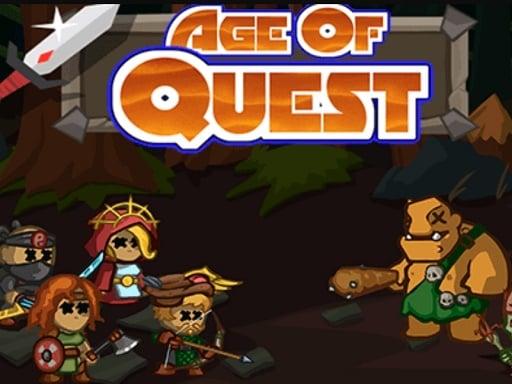 Age Of Quest
Action
Age Of Quest
Action
 Aim and Snap: Arrow Srike
Arcade
Aim and Snap: Arrow Srike
Arcade
 Alien Shooting Survival
Shooting
Alien Shooting Survival
Shooting
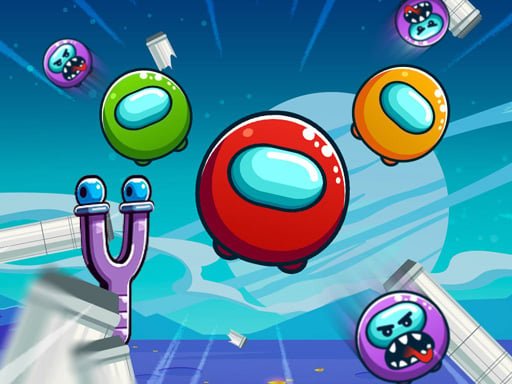 Angry Impostor
Puzzles
Angry Impostor
Puzzles
 Anipo
Puzzles
Anipo
Puzzles
 Arrow Escape Puzzle
Puzzles
Arrow Escape Puzzle
Puzzles
 Block Mover Unlock Your Brain
Puzzles
Block Mover Unlock Your Brain
Puzzles
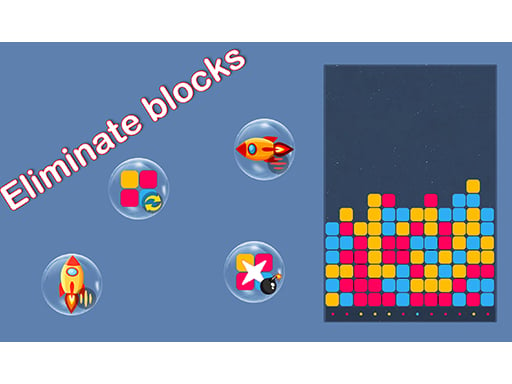 BlocksEliminate
Hypercasual
BlocksEliminate
Hypercasual
 break it
Clicker
break it
Clicker
 Bubble Shooter Pro 2026
Shooting
Bubble Shooter Pro 2026
Shooting
 Build a Skyscraper!
Clicker
Build a Skyscraper!
Clicker
 Car Parking Game: Parking Jam
Adventure
Car Parking Game: Parking Jam
Adventure
 Cargo Truck Montain Simulator
Action
Cargo Truck Montain Simulator
Action
 Cars vs Zombies
Racing
Cars vs Zombies
Racing
 Carve Cookie, Candy
3D
Carve Cookie, Candy
3D
 Clear Office
Hypercasual
Clear Office
Hypercasual
 Coffee Craze Sorting Game
Puzzles
Coffee Craze Sorting Game
Puzzles
 Coffee Tycoon
Hypercasual
Coffee Tycoon
Hypercasual
 Connect Water puzzle
Puzzles
Connect Water puzzle
Puzzles
 Count Master: Crowd Runner 3D
Arcade
Count Master: Crowd Runner 3D
Arcade
 Crime Theft Gangster Paradise
Shooting
Crime Theft Gangster Paradise
Shooting
 Curve Quest
Hypercasual
Curve Quest
Hypercasual
 Cut the Grass Cutting Grass
3D
Cut the Grass Cutting Grass
3D
Tag guide
Discover Browser Games Built with the Unity Engine
The unity games collection gathers titles engineered using Unity's flexible development software and compiled for web browsers via modern WebGL standards. Rather than representing a single mechanic or narrative theme, this tag indicates the underlying engine powering each title. As a result, players will encounter a wide spectrum of interactive experiences, ranging from educational tracing boards and light clickers to physics-driven brawlers and competitive first-person shootouts.
Because Unity excels at both 2D sprite manipulation and rich 3D graphics rendering, the games under this tag demonstrate notable stylistic diversity. The catalog highlights a substantial volume of puzzle and hypercasual titles alongside intensive arcade, shooting, and action releases. Whether you want a relaxed mouse-driven experience or an intricate desktop shooter demanding precise keyboard inputs, the collection presents varied technical showcases built for quick browser play.
What to Expect from the Unity Games Collection
Browsing this catalog reveals that the unity games label covers diverse gameplay loops rather than a uniform set of rules. Unity serves as a foundational engine for independent developers, allowing them to construct vastly different interactive projects that run directly in your web browser. In this section, players can move from peaceful creative challenges directly into high-intensity arena combat.
Across the catalog, puzzle games make up the largest share of releases, closely followed by hypercasual titles, tactical shooting matches, and classic arcade runs. Some entries focus on immediate, single-input mechanics suitable for quick sessions, while others implement complete physics systems, custom soundscapes, and detailed level progressions.
- Puzzles and Educational: Titles like Trace: Learn prioritize structured problem-solving, clean visual feedback, and guided tracing tasks.
- Hypercasual and Platformers: Games such as Mad Dash test reaction speeds using responsive jumping and mid-air dashing across multiple stages.
- 3D First-Person and Third-Person Combat: Releases like Masked Special Forces offer multi-weapon loadouts, dynamic aiming, and fast-paced tactical firefights.
- Resource Management and Deep Dives: Arcade entries like Titan the way to the bottom combine survival navigation with hull upgrades and leaderboard climbs.
Distinct Formats: From Casual Clickers to Physics Brawlers
A major advantage of Unity-developed browser games is the platform's support for specialized physics calculations and 3D modeling. This capability enables unique substyles within the catalog that behave quite differently from basic web games.
For example, physics-focused action games like Mr. Dude: King of the Hill simulate ragdoll interactions, allowing players to grab opponents, throw environmental objects, and balance on precarious ledges. Conversely, idle clickers such as Merge Master: Weapons Craft focus entirely on upgrade loops, combining weapons from simple blades into legendary gear with straightforward mouse or touchscreen clicks.
- Physics Simulators: Ragdoll limbs, variable gravity, and destructible obstacles that react realistically to collisions.
- Action Platformers: Retro-inspired side-scrollers like Super Mano Run Blast and Slash combining sword melee, ranged gunfire, and aerial gliding.
- Satisfying Simulators: Relaxing 3D tasks such as Cut the Grass Cutting Grass, emphasizing continuous cutting patterns across shaped fields.
Input Methods Across 2D and 3D Unity Titles
Because Unity projects can be configured for diverse platforms, individual games in this category utilize distinct input layouts. It is always wise to consult each title's provided instructions before diving into gameplay.
Simple arcade, puzzle, and clicker games generally rely on mouse dragging or single-finger taps, making them straightforward to enjoy on touchscreens or trackpads. In contrast, complex 3D titles frequently incorporate full PC keyboard layouts. Shooters like Masked Special Forces often require WASD keys for movement, Shift to sprint, Space to jump, Q to slide, and mouse buttons to aim and fire, accompanied by numerical hotkeys for cycling weapons.
- Mouse & Tap Only: Ideal for tracing, merging weapons, or steering basic machinery without complex key combinations.
- Arrow Keys & Spacebar: Typical for 2D platformers that demand accurate jump timings and quick dash evasions.
- Full Desktop Keyboards: Essential for first-person combat and ragdoll action titles featuring crouching, item grabbing, and stance switching.
How to Choose the Right Game in this Category
With dozens of Unity-built games available, choosing which title to load comes down to session length, hardware setup, and gameplay preference. If you are playing during a brief break on a laptop or touchscreen device, browsing the puzzle or hypercasual categories is recommended. Titles with self-contained levels or simple merge mechanics allow you to jump in and pause without penalty.
If you have an external mouse, an unrestricted keyboard, and desire an immersive challenge, focus your attention on the shooting, action, or 3D tags. These titles leverage Unity's real-time rendering and directional audio, offering multi-stage objectives, upgrade shops, and competitive survival scenarios.
- Short Breaks: Pick guided puzzles, tracing activities, or quick tap-and-dash levels.
- Progressive Strategy: Opt for deep-sea survival upgrades or blacksmith weapon crafting.
- High Skill Ceiling: Select full-motion 3D arenas requiring aiming precision, movement tricks, and weapon management.
Starting Tips for Playing Unity Web Titles
To get the best possible experience when playing Unity WebGL games, ensure your browser has hardware acceleration enabled. Because Unity compiles complex code directly into web-compatible scripts, graphical performance benefits greatly from standard GPU support.
Additionally, check whether a game uses pointer lock before beginning intense rounds. In 3D shooters and ragdoll brawlers, clicking the gameplay canvas locks the mouse cursor so you can freely rotate the camera without accidentally clicking outside the browser frame.
- Verify Controls First: Review the on-screen key guide or catalog summary to understand all combat and movement options.
- Check Sound Settings: Some Unity titles include voiced directions or atmospheric sound effects that enhance situational awareness.
- Maintain Stable Tab Focus: Keep the game's browser window active to prevent pausing or missed frame inputs during action sequences.
unity games FAQ
What does the unity games tag mean on this site?
The unity games tag identifies browser games built using the Unity game engine. It does not signify one specific gameplay genre, meaning the collection includes puzzles, 3D shooters, platformers, and arcade survival titles.
Do I need to install a Unity plugin to play these games?
No. Modern Unity web games compile directly to WebGL and HTML5 standards, allowing them to run natively inside compatible web browsers without downloading third-party plugins.
Are all unity games played with the same controls?
No. Controls depend entirely on the individual game's design. Casual and puzzle games often need only a mouse click or touchscreen tap, while action titles and shooters typically require a desktop keyboard and mouse setup for movement and aiming.
Why do some Unity games feature 3D graphics while others are 2D?
Unity natively supports both 2D sprite workflows and 3D polygon environments. Developers use the engine's versatile toolset to create everything from flat retro platformers to detailed three-dimensional arenas.