 123 Tracing - Draw Numbers
Puzzles
123 Tracing - Draw Numbers
Puzzles
Play by tag
Free Letters Games Online
The Letters collection brings together 91 browser-based games centered on the alphabet, character recognition, spelling, and rapid typing. Whether you are looking for gentle preschool activities to introduce letter sounds and shapes, or fast-action keyboard tests that challenge your reaction time, this library covers a wide range of letter-focused gameplay.
91playable games
123 Tracing - Draw Numbers
Puzzles
 2048 ABC Runner
Arcade
2048 ABC Runner
Arcade
 4 Pics Word
Puzzles
4 Pics Word
Puzzles
 ABC Runner
Arcade
ABC Runner
Arcade
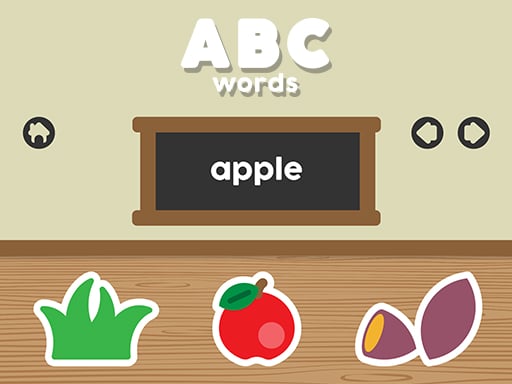 ABC words
Clicker
ABC words
Clicker
 Alphabet Count Rush
Puzzles
Alphabet Count Rush
Puzzles
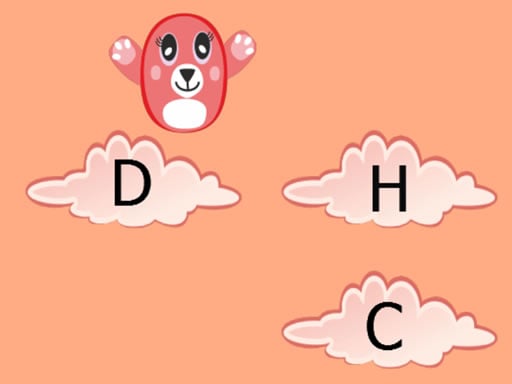 Alphabet Jump
Puzzles
Alphabet Jump
Puzzles
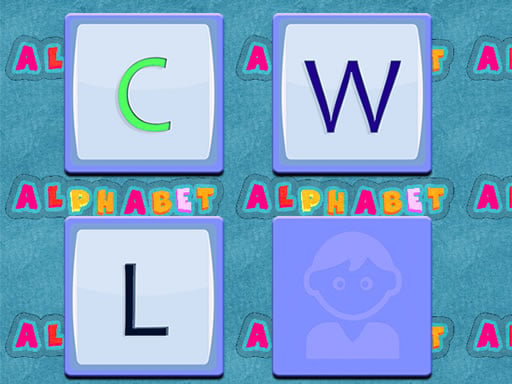 Alphabet Memory
Puzzles
Alphabet Memory
Puzzles
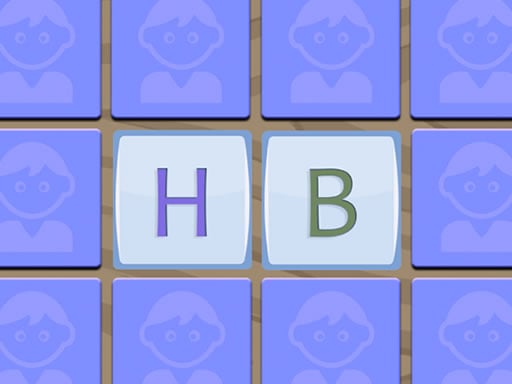 Alphabet Memory Game
Puzzles
Alphabet Memory Game
Puzzles
 Alphabet Merge Challenge
Puzzles
Alphabet Merge Challenge
Puzzles
 Alphabet Soup For Kids
Puzzles
Alphabet Soup For Kids
Puzzles
 Alphabet Writing For Kids
Puzzles
Alphabet Writing For Kids
Puzzles
 App For Kids
Puzzles
App For Kids
Puzzles
 Attack a Word
Puzzles
Attack a Word
Puzzles
 Bini Reading Games for Kids: Alphabet for Toddlers
Puzzles
Bini Reading Games for Kids: Alphabet for Toddlers
Puzzles
 Brain tricks puzzles for kids
Puzzles
Brain tricks puzzles for kids
Puzzles
 Brasil Hidden Alphabets
Puzzles
Brasil Hidden Alphabets
Puzzles
 Butterbean Cafe: Letter Drop
Puzzles
Butterbean Cafe: Letter Drop
Puzzles
 Cat Strapped
Puzzles
Cat Strapped
Puzzles
 Cat-A-Gory
Puzzles
Cat-A-Gory
Puzzles
 Catch N Create
Puzzles
Catch N Create
Puzzles
 Christmas at Cattle Hill Jigsaw Puzzle Games For
Bejeweled
Christmas at Cattle Hill Jigsaw Puzzle Games For
Bejeweled
 Christmas Capital Letters
Puzzles
Christmas Capital Letters
Puzzles
 Circle Word
Puzzles
Circle Word
Puzzles
Tag guide
Play Letter and Alphabet Games Online
The Letters collection brings together 91 browser-based games centered on the alphabet, character recognition, spelling, and rapid typing. Whether you are looking for gentle preschool activities to introduce letter sounds and shapes, or fast-action keyboard tests that challenge your reaction time, this library covers a wide range of letter-focused gameplay.
Over 70 percent of titles in this tag belong to the puzzle genre, with strong representation in educational, kids, arcade, and clicker categories. Because the tag encompasses both foundational literacy tools and quick-reaction word puzzles, reviewing individual game descriptions helps you find the right challenge level.
What You Will Find in the Letters Catalog
Games categorized under Letters focus on individual typographic characters and how they form words. Rather than lengthy text-heavy adventures, these titles usually emphasize distinct mechanics: locating individual characters in messy environments, tapping matching keys on a keyboard, or solving vocabulary puzzles.
The catalog serves multiple age groups and playstyles. Young learners can explore foundational literacy, while older players can test their observation, spelling, and motor reflexes.
- Alphabet recognition and basic spelling activities for early learners.
- 3D letter-hunting and sorting puzzles with timed targets.
- Fast-paced typing drills featuring falling characters and keyboard input.
- Arcade hybrid challenges requiring players to blast incorrect letters from words.
Main Gameplay Formats Across Letter Games
The sampled games in this catalog demonstrate distinct approaches to alphabet gameplay. Identifying these categories makes it easy to pick an experience that suits your mood.
Object Search and 3D Matching: Games like Word Match 3D ask players to sift through a jumbled 3D pile of items to find specific letters needed to assemble a word before the clock expires.
Action Typing and Reflexes: Titles such as Letter Dash challenge players to press keys on their physical keyboard or tap on-screen characters to destroy falling letters before they hit the bottom of the screen.
Early Learning and Audio Tracing: Games like Kids Alphabet and Toddler Baby Phone provide visual cues, vocal pronunciation, and color interaction to help toddlers understand letter shapes.
Arcade Word Obstacles: In games like Letter Boom Blast, players aim and shoot to eliminate incorrect letters blocking their path along an obstacle track.
How to Choose the Right Letter Game
Because this collection includes everything from toddler toys to rapid typing challenges, consider your goals before starting a game:
For Early Education: If you are setting up a game for young children, look for titles tagged with Kids, Educational, or School. These titles emphasize interactive pictures, spoken audio, and gentle touch controls without aggressive timers.
For Brain Training and Vocabulary: If you enjoy visual searching and anagrams, select puzzle games where you collect letter tiles to spell target words.
For Keyboard Practice: If you want to build typing dexterity, choose clicker or arcade titles that register direct physical keystrokes under time pressure.
Understanding Controls and Device Compatibility
Controls across letter games vary depending on the platform and specific game design. Most educational and puzzle titles use simple mouse clicks or touchscreen taps, allowing seamless play on phones, tablets, and desktop computers.
However, fast typing games may require a physical keyboard for the best experience. While some falling-letter titles provide an on-screen keyboard for mobile touchscreens, using hardware keys generally offers faster response times. Always read the in-game control prompt to see whether swiping, dragging, or key presses are required.
Tips for High Scores and Better Learning
Succeeding in letter puzzles and typing games comes down to observation and preparation. Here are a few practical strategies to keep in mind:
Scan Before Clicking: In 3D search games, look for high-contrast letter edges or use in-game shuffle tools when available to uncover hidden characters without wasting time.
Keep Hands in Home Position: For keyboard-driven letter games, position your fingers across the standard home row so you can hit falling letters without glancing down.
Verify Spelling Targets: In obstacle-clearing games, double-check target word spellings before blasting cubes to avoid accidentally knocking out correct letters.
letters games FAQ
What types of games are in the Letters collection?
The collection includes educational alphabet games for young children, 3D letter-matching puzzles, keyboard typing reflex tests, and arcade games where players blast or sort characters to spell words.
Can I play letter games on a mobile phone or tablet?
Many letter games support HTML5 touch controls, allowing you to drag items, tap alphabet blocks, or interact with virtual phones directly on mobile devices. Some typing games are best played on a desktop computer with a physical keyboard.
Are these games suitable for kindergarten and preschool learning?
Yes, many titles in this tag carry Educational and Kids classifications, featuring voice prompts, colorful visuals, and basic alphabet tracing designed for toddlers and early learners.
Do I need a keyboard to play letter games?
Not all letter games require a keyboard. Most puzzle and educational games rely entirely on mouse clicks or touchscreen taps. Only specific typing-action games rely primarily on keyboard inputs.