Official listing
Game description
How far can you drive?!!!!
Racing game
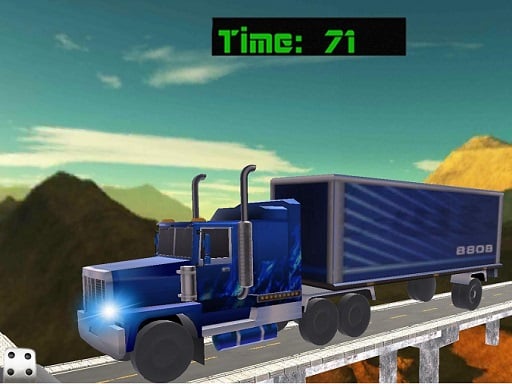
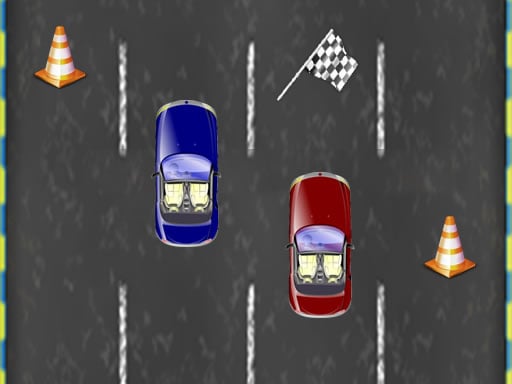
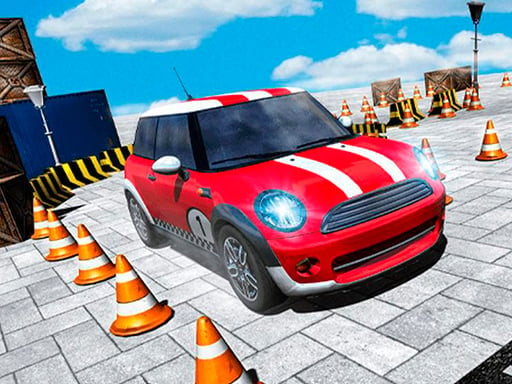
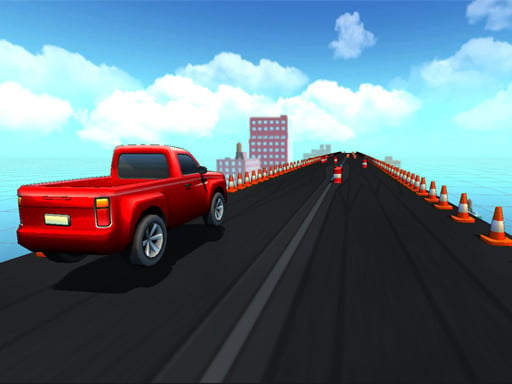
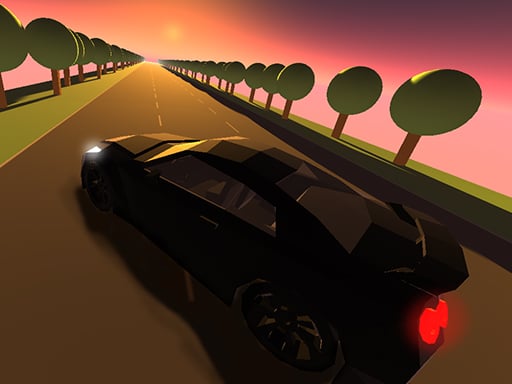
Traffic Racer Ultimate is a 3D single-player driving game where players hit the road to test their steering skills and endurance. With the simple and challenging premise of seeing how far you can drive, the game challenges you to balance speed and control behind the wheel of your car across active roadways.
Choose Play now to load the game.
Official listing
How far can you drive?!!!!
From the game listing
WASD Arrow Keys
Open this card to load the gameplay video.
Traffic Racer Ultimate is a 3D single-player driving game where players hit the road to test their steering skills and endurance. With the simple and challenging premise of seeing how far you can drive, the game challenges you to balance speed and control behind the wheel of your car across active roadways.
Designed for fans of fast-paced road action, Traffic Racer Ultimate puts you in control of a vehicle maneuvering through traffic. The core experience revolves around handling and vehicle balance as you navigate winding roads and unexpected obstacles. Featuring 3D visuals and dynamic driving physics, the game focuses entirely on how far you can travel in a single continuous run. Whether you are carefully dodging other vehicles or managing sharp turns and drifting moments, every second on the road requires sharp reflexes and steady control. The clean arcade-style setup lets you jump straight into the driving seat without unnecessary complications.
The main objective in Traffic Racer Ultimate is straightforward: drive as far down the road as possible before your run comes to an end. Success relies on keeping your car balanced, avoiding collisions with surrounding traffic or roadside hazards, and maintaining steady forward momentum. Reaching greater distances demands quick lane decisions and precise steering under increasing roadway pressure.
1. Launch Traffic Racer Ultimate in your web browser to enter the driver's seat.
2. Use the WASD keys or the arrow keys to steer, accelerate, and navigate the road.
3. Watch incoming road traffic and road curves carefully to anticipate lane changes.
4. Maintain your car's balance and trajectory during sharp turns or drifting situations.
5. Travel as far as possible down the roadway to achieve your personal best distance.
WASD / Arrow Keys: Steer, accelerate, and maneuver your vehicle along the road
Traffic Racer Ultimate emphasizes distance-based survival and vehicle handling. Players must balance steady acceleration with careful steering to weave through traffic safely. Because every run challenges you to see how far you can drive, timing and lane positioning are essential. Drifting through corners and reacting swiftly to sudden road obstacles demand full concentration. The game strips away unnecessary distractions to deliver a pure single-player driving loop where spatial awareness and smooth keyboard inputs dictate how long your car stays in motion.
As an entry in the online racing category, Traffic Racer Ultimate channels classic arcade driving mechanics into an endless distance challenge. Racing games of this style highlight player reaction times, spatial awareness, and vehicle balance over complex simulation mechanics, making them immediately accessible to casual and dedicated driving enthusiasts alike.
Players searching for a drifting game or an engaging racing game online will appreciate the streamlined road challenges in Traffic Racer Ultimate. The title combines responsive keyboard controls with 3D road visuals, delivering a pure single-player experience focused on agility, balance, and seeing how far you can drive.
Asphalt: Like the Asphalt series, Traffic Racer Ultimate delivers fast-paced road driving and car handling. However, while Asphalt features structured multi-car tournament races and boost mechanics, Traffic Racer Ultimate focuses on a solo endurance drive testing how far you can travel.
Need for Speed: Both Traffic Racer Ultimate and Need for Speed highlight vehicle control and high-speed navigation. Unlike the story campaigns and deep customization of Need for Speed, Traffic Racer Ultimate offers an instant, browser-based distance survival challenge with straightforward controls.
What is the primary goal in Traffic Racer Ultimate? The main goal is to drive as far as possible down the road while steering clear of obstacles and keeping your vehicle stable.
What controls are used to play Traffic Racer Ultimate on desktop? You can control your car using either the WASD keys or the arrow keys on your keyboard to steer and maneuver through traffic.
Is Traffic Racer Ultimate a single-player game? Yes, Traffic Racer Ultimate is designed as a single-player 3D driving game centered around testing your personal distance records and car handling.
Tell us if the game does not load, the information is wrong or the content needs review.
Report a problemExplore popular games by category, shared tags and site-wide activity.