Play now

Hypercasual game

The Speed Ninja

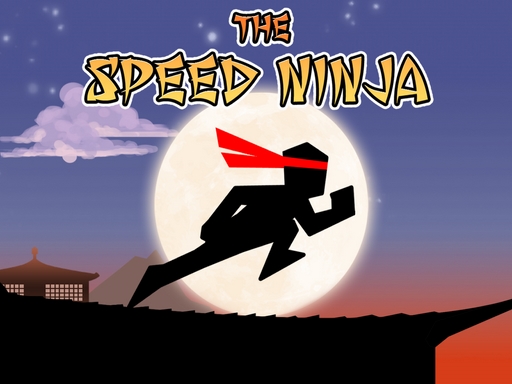
Play as a fierce warrior from the land of the Rising Sun in this exhilarating runner and test your reflexes in multiple jump races. While an army is approaching, a young ninja is leaping from roof to roof. His objective? To...

More Hypercasual
HypercasualThe Speed Ninja

Choose Play now to load the game.

Open source

Official listing

Game description

Play as a fierce warrior from the land of the Rising Sun in this exhilarating runner and test your reflexes in multiple jump races. While an army is approaching, a young ninja is leaping from roof to roof. His objective? To sound the gongs and alert the multiple districts of his village before the enemy attacks. Your goal is to get to those gongs, which are at the end of each level.

From the game listing

Instructions and controls

- Click touch the right part of the screen or UP arrow to jump you can double-jump - Click touch the left part of the screen or RIGHT arrow to throw a Shuriken - swipe down or DOWN arrow to land the ninja

Watch before you play

How to play The Speed Ninja

See the official game walkthrough for the objective, controls and useful gameplay ideas.

Video guide

About The Speed Ninja

Play as a fierce warrior from the land of the Rising Sun in this exhilarating runner and test your reflexes in multiple jump races. While an army is approaching, a young ninja is leaping from roof to roof. His objective? To...

The Speed Ninja is listed in the Hypercasual games collection. The listing also includes the Arcade, Casual, Games, jump, Ninja, and run tags, which help connect it with nearby game pages.

How to play The Speed Ninja

- Click touch the right part of the screen or UP arrow to jump you can double-jump - Click touch the left part of the screen or RIGHT arrow to throw a Shuriken - swipe down or DOWN arrow to land the ninja

Controls and device support

The listing currently identifies Desktop + mobile support, keyboard controls and a 800 x 600 game frame. These details come from the supplied game information and may change when the source listing is updated.

  • Controls: Keyboard
  • Device support: Desktop + mobile
  • Game frame: 800 x 600

Something not right?

Tell us if the game does not load, the information is wrong or the content needs review.

Report a problem