From the game listing
Instructions and controls
Keyboard Controls
Racing game
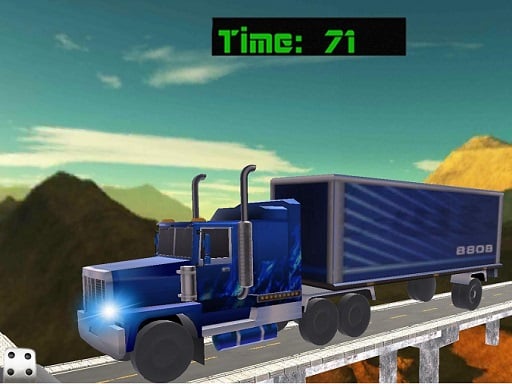
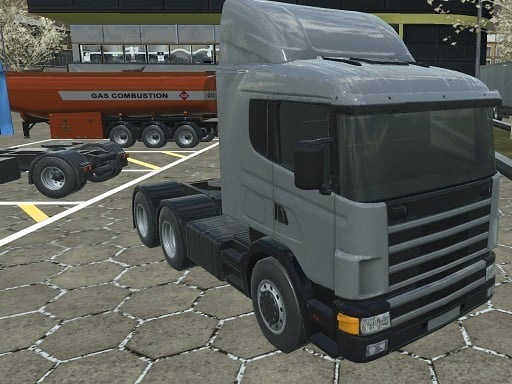
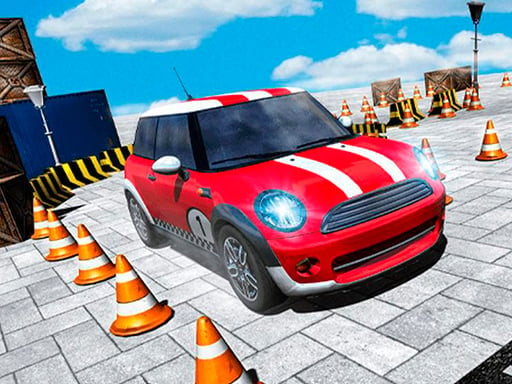
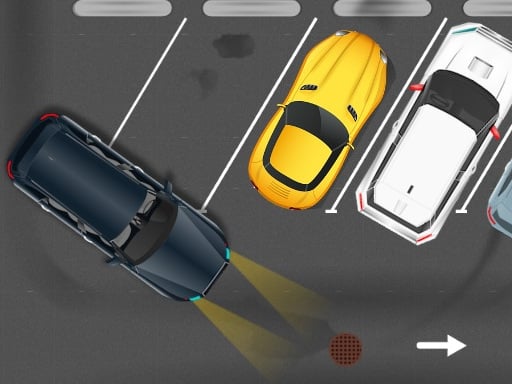
Supe Cars - Simulator Parking is a 3D driving and parking simulation game where players steer vehicles through targeted maneuvering scenarios. Built with Unity3D technology, the game combines elements of racing and vehicle handling, challenging drivers to operate smoothly across simulated courses and secure precise parking positions using standard keyboard controls.

Choose Play now to load the game.
From the game listing
Keyboard Controls
Open this card to load the gameplay video.
Supe Cars - Simulator Parking is a 3D driving and parking simulation game where players steer vehicles through targeted maneuvering scenarios. Built with Unity3D technology, the game combines elements of racing and vehicle handling, challenging drivers to operate smoothly across simulated courses and secure precise parking positions using standard keyboard controls.
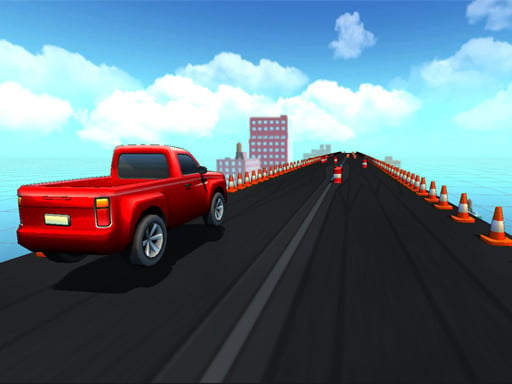
Supe Cars - Simulator Parking immerses players in a 3D vehicle simulation environment centered on driving accuracy and parking mechanics. Categorized under racing and simulation, the game presents a structured test of steering control and spatial awareness. Players operate cars and larger vehicles across 3D layouts, focusing on careful acceleration, responsive turning, and exact stopping alignments. The title runs in a standard browser display resolution of 900 by 600 pixels and utilizes Unity3D to deliver real-time automotive simulation with responsive keyboard inputs.
The primary objective in Supe Cars - Simulator Parking is to guide your vehicle safely through designated driving areas and bring it to a complete, accurate stop within the designated parking area without colliding with nearby boundaries or obstacles along the course.
1. Launch Supe Cars - Simulator Parking in your web browser to initialize the 3D vehicle simulation environment.
2. Inspect the layout of your vehicle and identify the path leading toward the target parking zone.
3. Engage your keyboard controls to steer, accelerate, and decelerate along the driving route.
4. Navigate tight turns and narrow passages smoothly while keeping your vehicle under steady control.
5. Align your car carefully inside the designated parking bay and bring the vehicle to a full halt.
The game is operated using standard keyboard controls to direct vehicle steering, speed, and braking.
Gameplay in Supe Cars - Simulator Parking centers on deliberate vehicle handling rather than reckless high-speed racing. Drivers must carefully judge turning radiuses, manage momentum, and adjust approaching angles when aligning with parking spaces. The 3D perspective challenges players to read surrounding space effectively, requiring steady inputs and patience to ensure the car reaches its destination without glancing against course limits or surrounding structures.
Within the online racing and simulation categories, parking simulator titles emphasize precision maneuvering, spatial awareness, and careful speed management over pure circuit racing speed. Supe Cars - Simulator Parking represents this technical subgenre, offering structured driving practice in a 3D environment.
Players searching for a car parking game or a 3D racing game online can explore Supe Cars - Simulator Parking for keyboard-driven vehicle handling, structured navigation, and targeted parking objectives within an accessible browser-based simulation setup.
Asphalt: Both games feature 3D car driving, but Asphalt focuses on high-speed arcade racing and nitro boosts, whereas Supe Cars - Simulator Parking emphasizes controlled maneuvering and parking precision.
What type of gameplay does Supe Cars - Simulator Parking offer? It offers a 3D driving and parking simulation experience where players guide vehicles through maneuvering challenges and park accurately using keyboard controls.
What controls are used to play the game? The game supports keyboard controls for steering, acceleration, and braking maneuvers on desktop web browsers.
Tell us if the game does not load, the information is wrong or the content needs review.
Report a problemExplore popular games by category, shared tags and site-wide activity.