Official listing
Game description
Racing Cars 2 is a fun driving game where you can play single-player levels or have fun in multiplayer races!
Racing game
Racing Cars 2 is a fun driving game where you can play single-player levels or have fun in multiplayer races. The listed controls are simple: use A/D or the left and right arrows to control the car, and press W or the up arrow to jump.
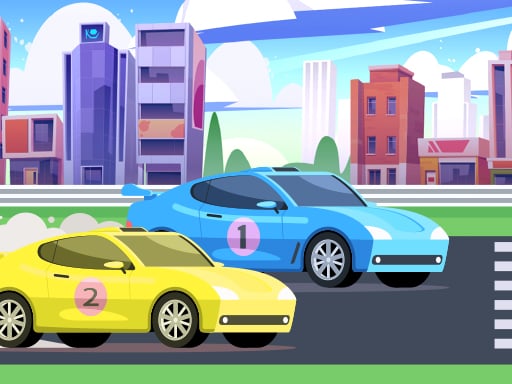
Choose Play now to load the game.
Official listing
Racing Cars 2 is a fun driving game where you can play single-player levels or have fun in multiplayer races!
From the game listing
AD left right arrows to control the car W or up arrow to jump
Open this card to load the gameplay video.
Racing Cars 2 is a fun driving game where you can play single-player levels or have fun in multiplayer races. The listed controls are simple: use A/D or the left and right arrows to control the car, and press W or the up arrow to jump.
Racing Cars 2 is presented as a light, accessible racing game built around driving a car rather than managing complex simulation systems. The official description highlights two ways to play: single-player levels for solo runs and multiplayer races for competing with others. The instructions keep the input set small, with left and right steering plus a dedicated jump, so the challenge appears to come from timing, positioning and staying in control while the car moves through each race or level.
The goal is to drive the car through the available racing experiences: complete single-player levels when playing alone, or join multiplayer races when you want competition. Use the left and right controls to guide the car and the jump control to clear moments where leaving the ground helps you keep moving.
1. Start the game and choose the style of play described in the listing: single-player levels or multiplayer races.
2. Use A or the left arrow to move the car toward the left side of the course.
3. Use D or the right arrow to move the car toward the right side of the course.
4. Press W or the up arrow to jump when a section calls for leaving the ground.
5. Combine steering and jumping to keep the car controlled through the level or race, switching between solo levels and multiplayer races as you prefer.
A / left arrow: Control the car to the left
D / right arrow: Control the car to the right
W / up arrow: Jump
The focus is direct car control with a very small input set. Because the instructions only name steering and jumping, the core skill is reading the course early, keeping the car aligned, and using the jump at the right moment instead of constantly correcting late. In single-player levels that can mean learning the layout; in multiplayer races it can mean staying smooth while other racers pressure your line.
Racing Cars 2 sits in the Racing category and is tagged with Car, Cars, Mobile, Multiplayer, Race and Racing. That context suggests a straightforward car-racing experience rather than a management or simulation title, with multiplayer listed as part of its appeal.
Natural phrases for this page include racing cars 2, racing cars 2 game and racing game online. These fit the title, the racing category and the browser-style listing, but they should be treated as descriptive language rather than measured search demand.
Asphalt: Like Asphalt, Racing Cars 2 is built around driving cars in fast races. The difference is scope: Asphalt is a larger arcade series, while this listing only establishes simple keyboard steering, a jump input, single-player levels and multiplayer races.
Is Racing Cars 2 multiplayer? Yes. The official description says you can play single-player levels or have fun in multiplayer races, so both solo and competitive play are supported by the listing.
What are the controls in Racing Cars 2? The supplied instructions list A/D or the left and right arrows to control the car, plus W or the up arrow to jump. No other inputs are provided.
Can I play Racing Cars 2 alone? Yes. The description specifically mentions single-player levels, so you can play solo before trying multiplayer races if you prefer.
Tell us if the game does not load, the information is wrong or the content needs review.
Report a problemExplore popular games by category, shared tags and site-wide activity.