Official listing
Game description
Racing Game
Racing game
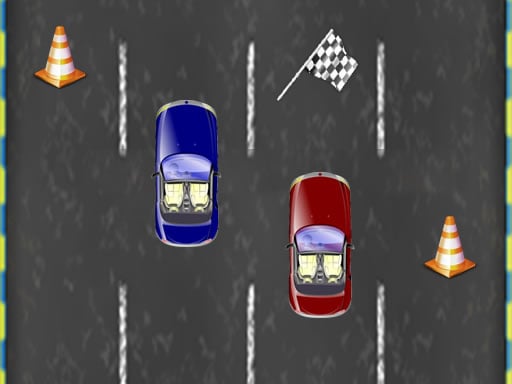
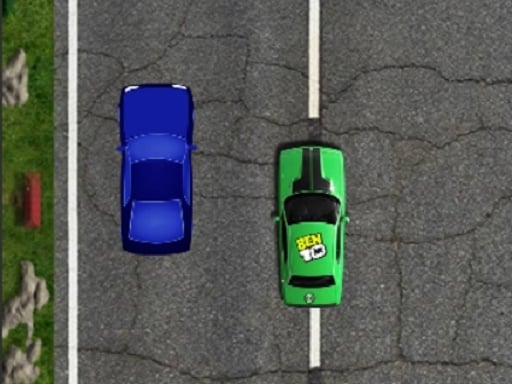
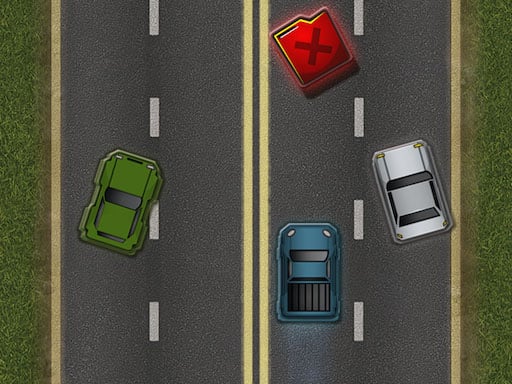
Private Racing is an accessible browser-based racing title categorized under fast-paced vehicle race games. Built for quick sessions, it challenges players to take control of their vehicle and steer through the course using basic directional inputs. Whether focusing on smooth lane transitions or handling sharp turns, the game offers a straightforward arcade racing experience directly in your web browser.
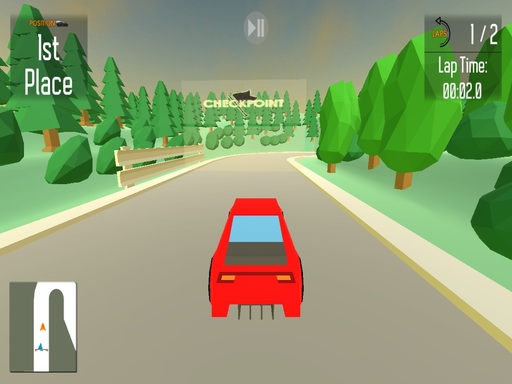
Choose Play now to load the game.
Official listing
Racing Game
From the game listing
Up Right Left Down
Open this card to load the gameplay video.
Private Racing is an accessible browser-based racing title categorized under fast-paced vehicle race games. Built for quick sessions, it challenges players to take control of their vehicle and steer through the course using basic directional inputs. Whether focusing on smooth lane transitions or handling sharp turns, the game offers a straightforward arcade racing experience directly in your web browser.
Private Racing delivers a direct, no-frills racing experience focused entirely on track navigation and directional control. As an online racing game rendered in a compact 800 by 600 display format, it strips away complicated setup menus to put players immediately into the driver's seat. Players must coordinate continuous inputs across four directions—up, down, left, and right—to maneuver through the raceway effectively. The game emphasizes timing, line positioning, and quick reflexes as you respond to course layouts and moving elements. Because the interface relies on fundamental directional handling, newcomers can jump straight into the competition without learning convoluted mechanics. The core loop revolves around maintaining steady control, avoiding track obstacles, and aiming for smooth, uninterrupted laps across every racing run.
The main goal in Private Racing is to pilot your vehicle along the racing circuit by executing precise directional moves. Players strive to keep their car on track, handle turns cleanly using directional commands, and complete course runs with minimal errors. Success depends on maintaining composure during fast sequences and sustaining sharp positioning from the starting line to the finish.
1. Launch Private Racing in your browser window to enter the active racing track directly.
2. Use the Up and Down directional inputs to manage vertical alignment or straight-line movement along the track.
3. Press Left and Right directional inputs to steer through cornering sections and shift between track lanes.
4. React quickly to upcoming course turns and obstacles by combining smooth directional transitions.
5. Maintain clean vehicle positioning across the raceway to finish your run cleanly and improve your driving technique.
Up: Move upward or accelerate forward
Down: Move downward or reverse
Left: Steer or shift toward the left
Right: Steer or shift toward the right
Gameplay in Private Racing centers on clean positional awareness and responsive steering along the track. Because the controls map directly to cardinal directions—up, down, left, and right—the primary skill lies in knowing when to commit to a turn and how to straighten out before losing track position. Over-steering can push your vehicle toward course boundaries, while hesitating on a turn risks collision or lost momentum. Success requires reading the screen ahead of your car, executing subtle corrections rather than erratic shifts, and keeping a consistent racing line through each straightaway and bend in the road.
As part of the Racing category, Private Racing fits into the tradition of arcade driving games that prioritize immediate action over heavy simulation. Classic browser race games emphasize responsive directional navigation, fast visual pacing, and simple inputs that let players focus entirely on spatial maneuvering. Private Racing embraces this accessible format, offering quick driving challenges that test immediate hand-eye coordination without demanding complex multi-key driving rigs or steering wheels.
Players searching for a private racing game or lightweight racing game online will appreciate the minimalist design of Private Racing. It strips away elaborate customization menus in favor of pure browser-based racing. By focusing directly on core directional mechanics, the title delivers an uncomplicated arcade race experience suitable for quick driving sessions on any standard desktop setup.
Asphalt: Both Private Racing and Asphalt share the fundamental excitement of arcade car racing across designated tracks. However, while Asphalt features intensive 3D graphics and complex nitro mechanics, Private Racing focuses on straightforward 2D directional steering and instant browser accessibility.
What controls are used to drive in Private Racing? Private Racing is played using four directional inputs—Up, Down, Left, and Right—which manage your steering and movement across the racing track.
Can I play Private Racing without downloading any software? Yes, Private Racing runs directly in modern desktop web browsers inside an 800 by 600 viewport without requiring separate installations or plugins.
Tell us if the game does not load, the information is wrong or the content needs review.
Report a problemExplore popular games by category, shared tags and site-wide activity.