About How to slice
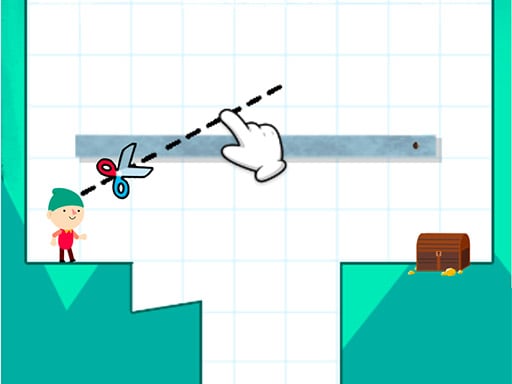
How to Slice is a casual puzzle game. you need to cut the stone above to fill the deep pit, click on the screen from the left and go through the stone to the right, then let go, the stone will be cut by the line segment, Cutting...
How to slice is listed in the Puzzles games collection. The listing also includes the cut, Obstacle, and Slicing tags, which help connect it with nearby game pages.
How to play How to slice
1 Swipe from left to right to cut the upper stone 2 Stones will fall to fill the pit 3 The stone should not be higher than the villain otherwise the villain will fall 4 The stone should be as flat as possible 5 Let the villain reach the toilet s
Controls and device support
The listing currently identifies Browser support, see in-game controls controls and a 800 x 600 game frame. These details come from the supplied game information and may change when the source listing is updated.
- Controls: See in-game controls
- Device support: Browser
- Game frame: 800 x 600
Something not right?
Tell us if the game does not load, the information is wrong or the content needs review.
Report a problem ›