About Dice Merge Challenges
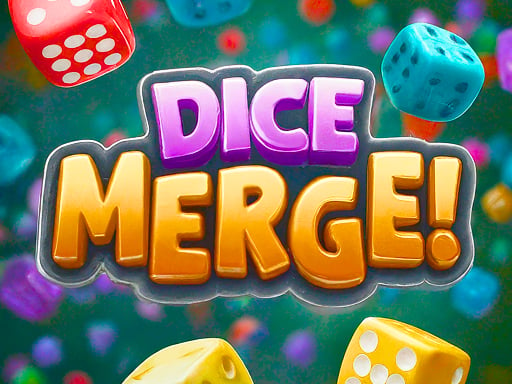
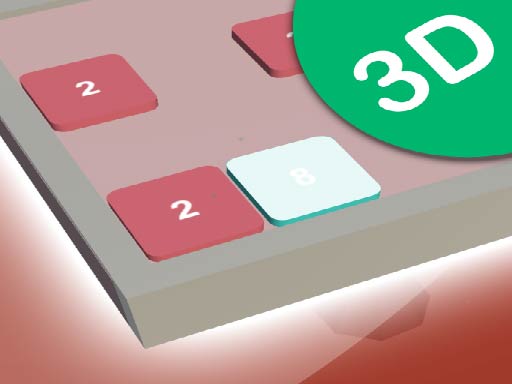
Dice Merge Challenges is a browser puzzle game centered around dropping and combining numbered dice. Players align matching values to create higher-numbered dice through explosive merges, working strategically to shatter surrounding boxes and overcome board obstacles. With straightforward controls and increasingly tricky puzzle layouts, it offers a quick and satisfying session for fans of spatial merge games.
In Dice Merge Challenges, the board presents a tactical playfield filled with obstacle boxes and placement zones. Your core task is to position and drop incoming dice into lanes where they can touch identical numbers. Whenever two dice with matching numbers meet, they trigger a blast that merges them into a single die bearing a higher numerical value.
The explosive reaction created by matching pairs does more than just upgrade your numbers; the resulting impact helps overpower obstacles and shatter obstacle boxes positioned across the board. Success depends on planning each drop so that you clear away blocking structures rather than cluttering your board with unmerged dice.
Your goal
The main objective in Dice Merge Challenges is to clear the field by shattering every target box through smart dice placement. You achieve this by continuously combining matching dice to trigger explosive merges, producing higher-value pieces while breaking down surrounding barricades across increasingly complex puzzle setups.
How to play Dice Merge Challenges
1. Examine the layout of the board to locate obstacle boxes and identify where matching numbers can connect.
2. Choose your drop lane carefully to line up your incoming die with an identical number.
3. Click the drop button on screen or press the Space bar to release the die into the chosen column.
4. Combine identical dice to create an explosion that merges them into a higher-value die.
5. Use the blasts from your merges to weaken and shatter the remaining obstacle boxes on the board.
Controls and device support
Click on the on-screen drop buttons or press the Space bar on your keyboard to drop a die into the play area.
- Controls: See in-game controls
- Device support: Browser
- Game frame: 1031 x 580
Rules to keep in mind
- Matching dice with identical numbers merge together to form a single die with a higher value.
- Combining matching dice triggers an explosion that affects nearby obstacle boxes and structures.
- The primary board goal is to strategically shatter every box and overpower obstacle placements.
What makes the challenge interesting
Dice Merge Challenges relies on forward planning and spatial awareness. Because each merge creates a higher-tier die, every drop either opens up the board or narrows your future options. Players must constantly weigh the immediate reward of an easy match against the spatial cost of blocking access to nearby obstacle boxes.
The rhythm of play alternates between careful lane selection and chain-reaction payoffs. Creating high-value dice is satisfying, but directing explosive impact toward key barricades is what ultimately clears the board and keeps the puzzle solvable as board constraints tighten.
Tips for Dice Merge Challenges
- Target obstacle clusters early by dropping matching dice adjacent to tightly packed boxes, ensuring each blast damages multiple targets at once.
- Avoid dropping mismatched dice into the same column without a plan, as isolated numbers can block valuable lanes needed for upcoming merges.
- Keep track of rising dice values so you can prepare open adjacent spaces for future high-number combinations.
- Take your time before pressing Space or clicking drop buttons to verify that the selected column yields an immediate or setup merge.
Stages and progression
As you advance through the puzzles, board configurations become more intricate and demanding. Players encounter trickier obstacle arrangements that require deeper planning to reach and shatter all boxes.
To handle harder boards, focus on refining your placement routine. Practice setting up cascading merges where one explosion triggers a new pairing, freeing up space and dismantling durable barricades more efficiently.
Playing on different devices
Dice Merge Challenges runs within a standard 1031 by 580 display canvas. Desktop players can choose between rapid keyboard drops using the Space button or precise mouse clicks on the interface drop buttons.
The skills behind the game
As a member of the puzzle and block genre, Dice Merge Challenges emphasizes logical ordering and spatial optimization. Players who enjoy organizing compact play areas and calculating numerical combinations will find familiar elements drawn from classic number-merging and board-clearing puzzles.
Who will enjoy this game
Players searching for a casual merge puzzle game online often seek accessible mechanics paired with thoughtful tactical depth. Dice Merge Challenges fits this play style well, making it easy to jump in for quick brain-teaser breaks while encouraging deliberate strategy to clear stubborn obstacle boxes.
Games with a similar feel
2048: Like 2048, this title focuses on combining identical numbers to produce higher values. However, while 2048 shifts entire grids across four directions, Dice Merge Challenges directs drops into specific columns to shatter static obstacle boxes with explosive reactions.
Tetris: Tetris challenges players to manage falling block geometry and clear complete horizontal lines. In contrast, Dice Merge Challenges uses stationary vertical drop lanes where progress comes from numerical matching and localized blast destruction rather than geometric line completion.
Frequently asked questions
How do dice merge in Dice Merge Challenges? When two dice with identical numerical values come into contact, they merge into one die with a higher number and trigger an explosive blast.
What is the purpose of the explosions? The explosions generated during dice combinations shatter obstacle boxes on the board, helping you clear barricades and complete puzzle objectives.
Can I use keyboard controls to drop dice? Yes, you can drop your dice into position by pressing the Space bar on your keyboard or by clicking the on-screen drop buttons.
Something not right?
Tell us if the game does not load, the information is wrong or the content needs review.
Report a problem ›