Official listing
Game description
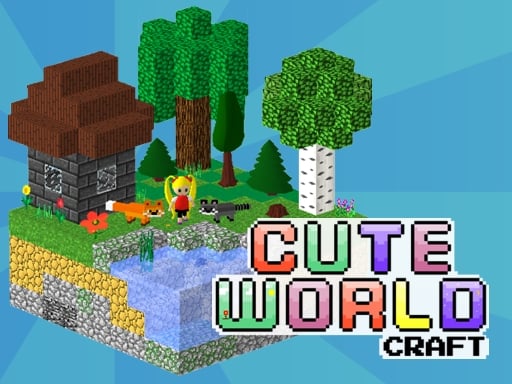
Cute World Craft is an open-world sandbox where you can create the 3D world with your own rules, play survival mode or make game levels using built-in interactive game objects. Cute World Craft is a symbiosis of game mechanics of two games - Minecraft and Portal. Here you can build with standard blocks, carry physical objects, place them wherever you want. In Creative you can generate beautiful 3D blocky landscapes by changing map settings: make your world endless or limited, set a time of the day, change a height of hills, set the world full of lava or water, regulate the number of enemies, animals, trees, physical objects on the map. Various game mechanics let you make games on your own by using such interactive game elements as locked doors, portalgun and portal-able surfaces, teleports, timers, checkpoints, block's replicator, TNTs, trampolines, elevators, vanishing and ice blocks, flashlight, pickaxes and so on. Or maybe you like to construct? No problem! Build doll house, castle or even small town and decorate your creations with many items. You can play with different physical objects such as bouncing balls and cubes, trampolines, make portals and throw things into it, place replicator and copy things just for fun! In Survival mode you should explore 5 different biomes and collect resources to craft a new stuff. Build a shelter and find a flashlight because the nights in Cute World Craft is really dark! You are not alone in this world, here are friends and enemies, cute animals with different behaviors, traders in abandoned houses are ready to swap different things with you. Fight enemies - Monster Heads, collect their masks, combine it and get a compass to find a way to the Final Boss - Hivot. Punch all Hivot's teeth out, defeat him and children will be freed from the power of the monster and drop their masks. FEATURES - 100 standard blocks to build (including most common Minecraft blocks such as cobblestone, sand, bricks, bedrocks, grass, leaves); - 400+ dynamic physics objects to make games level (decorations, checkpoints, winpoint, timers, etc.); - 24 ready-made blocks of buildings and big trees; - musical blocks to create simple melodies; - unique Symmetry mode which allows you to place one cube and it could be mirrored 2 or 4 times to build your world faster; - Mobile Interface to play on tablets and smartphones; - change project's settings (field of view, render distance, shadows, etc.); - save your progress and game levels; - play and modify the games of other users; - share your project to let other people play it!


