Play now

Arcade game

CircleFly

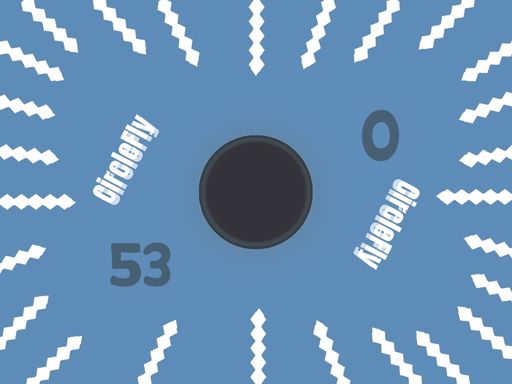
CircleFly is a captivating arcade game that promises endless entertainment and challenge! With its simple yet addictive gameplay mechanics, this game is perfect for players of all ages who are looking for a thrilling gaming...

More Arcade
ArcadeCircleFly

Choose Play now to load the game.

Open source

Official listing

Game description

CircleFly is a captivating arcade game that promises endless entertainment and challenge! With its simple yet addictive gameplay mechanics, this game is perfect for players of all ages who are looking for a thrilling gaming experience on both mobile and web platforms. One of the unique features of CircleFly is its dynamic movement system. Unlike traditional arcade games where the player has full control over the characters movement, in CircleFly, the circular object responds to the players taps by changing its direction. When the object hits a wall, it automatically slides down, adding an extra layer of challenge to the gameplay.

From the game listing

Instructions and controls

Control the Circular Object Initially the circular object moves to the right when you tap the screen It continues in that direction until it hits a wall Upon hitting a wall it changes direction to the left However after hitting a wall you need to

Watch before you play

How to play CircleFly

See the official game walkthrough for the objective, controls and useful gameplay ideas.

Video guide

About CircleFly

CircleFly is a captivating arcade game that promises endless entertainment and challenge! With its simple yet addictive gameplay mechanics, this game is perfect for players of all ages who are looking for a thrilling gaming...

CircleFly is listed in the Arcade games collection. The listing also includes the 1 Player, 2D, and Arcade tags, which help connect it with nearby game pages.

How to play CircleFly

Control the Circular Object Initially the circular object moves to the right when you tap the screen It continues in that direction until it hits a wall Upon hitting a wall it changes direction to the left However after hitting a wall you need to

Controls and device support

The listing currently identifies Desktop + mobile support, mouse or touch controls and a 1080 x 1920 game frame. These details come from the supplied game information and may change when the source listing is updated.

  • Controls: Mouse or touch
  • Device support: Desktop + mobile
  • Game frame: 1080 x 1920

Something not right?

Tell us if the game does not load, the information is wrong or the content needs review.

Report a problem